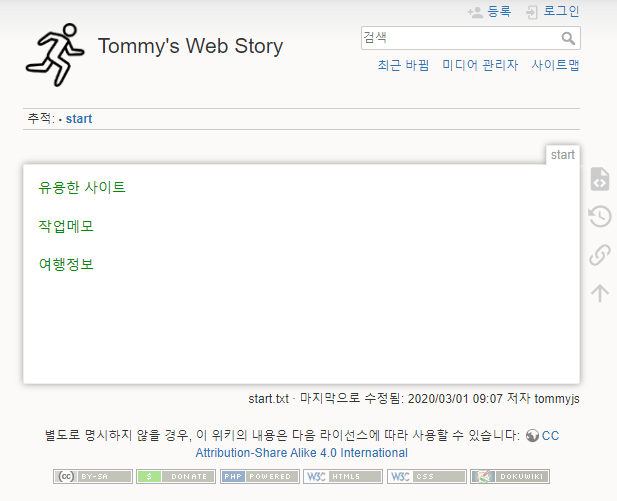
dokuwiki 업데이트

내 사이트에 설치된 위키를 업데이트해야 할 일이 생겼다. (접속하니 업데이트하라고 한다.ㅎㅎ)

그래서 아무생각없이 새로 내려받은 압축파일을 해제했더니 dokuwiki 폴더에 파일이 압축해제되어 전부 업데이트되어 접속이 불가했다.

기존의 데이타를 전부 지울까 생각했는데, 그동안 여기저기에 기록해놓은 파일이 있을 거 같아 다시 복원하고 제대로 설치하기로 했다.

백업받은 자료로 복구하고 위키 다운로드 사이트에 접속하니 업그레이드하는 방법이 나와있다. 방법은 간단하다. 그냥 내려받아 압축해제한 파일을 “cp -af”옵션으로 복사하는 것이다.

참고사이트 : Upgrading DokuWiki

  • Step 0: Make sure your server meets the requirements.
  • Step 1: Make a backup of your DokuWiki, this is not necessarily needed but recommended
    • Example:

      tar zcpfv dokuwiki-backup.tar.gz /path/to/dokuwiki
  • Step 2: Read the changelog to see if there are any special things to consider
  • Step 3: Download the newest release from the download site.
    • cd ~
      wget http://.../dokuwiki-xxxx-xx-xx.tgz
  • Step 4: Unpack the distribution tarball and upload/copy the files over your previous installation. Make sure to overwrite all files when prompted.
    • tar zxvf dokuwiki-xxxx-xx-xx.tgz
      'cp' -af dokuwiki-xxxx-xx-xx/* /path/to/dokuwiki/

      The quotes on cp assure that it will run as is, even if an alias is set.

    • Check copied files ownership and permissions (for details see permissions).
  • Step 7: Wait for a day for update notifications to go away, or speed the process by following the steps in Update Check

Leave a Comment

이메일 주소는 공개되지 않습니다. 필수 필드는 *로 표시됩니다

이 사이트는 Akismet을 사용하여 스팸을 줄입니다. 댓글 데이터가 어떻게 처리되는지 알아보세요.