git fetch --all
git branch backup-master
git reset --hard origin/main
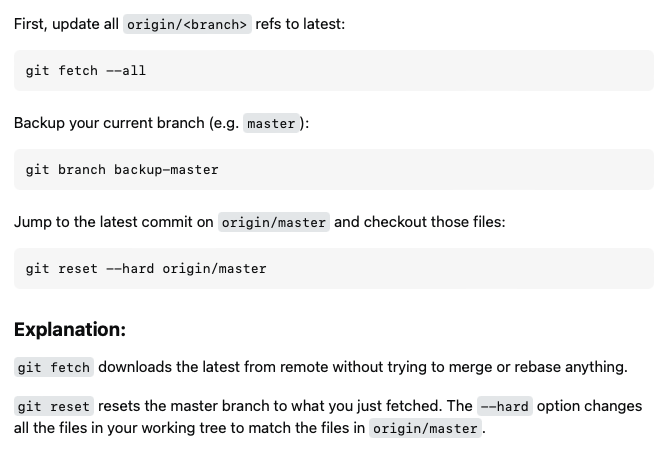
First, update all origin/<branch> refs to latest:
git fetch --all
Backup your current branch (e.g. master):
git branch backup-master
Jump to the latest commit on origin/master and checkout those files:
git reset --hard origin/master
Explanation:
git fetch downloads the latest from remote without trying to merge or rebase anything.
git reset resets the master branch to what you just fetched. The --hard option changes all the files in your working tree to match the files in origin/master.
Maintain current local commits
[*]: It’s worth noting that it is possible to maintain current local commits by creating a branch from master before resetting:
git checkout master
git branch new-branch-to-save-current-commits
git fetch --all
git reset --hard origin/master
After this, all of the old commits will be kept in new-branch-to-save-current-commits.
Uncommitted changes
Uncommitted changes, even if staged (with git add), will be lost. Make sure to stash or commit anything you need. For example, run the following:
git stash
And later (after git reset), reapply these uncommitted changes:
git stash pop
Which may create merge conflicts.